Resource catalog
Platform management → Resource catalog maintains the resource tree of each application. The console itself (grantforge-console) is a built-in application; its pages, buttons and APIs are registered automatically at startup and cannot be deleted.
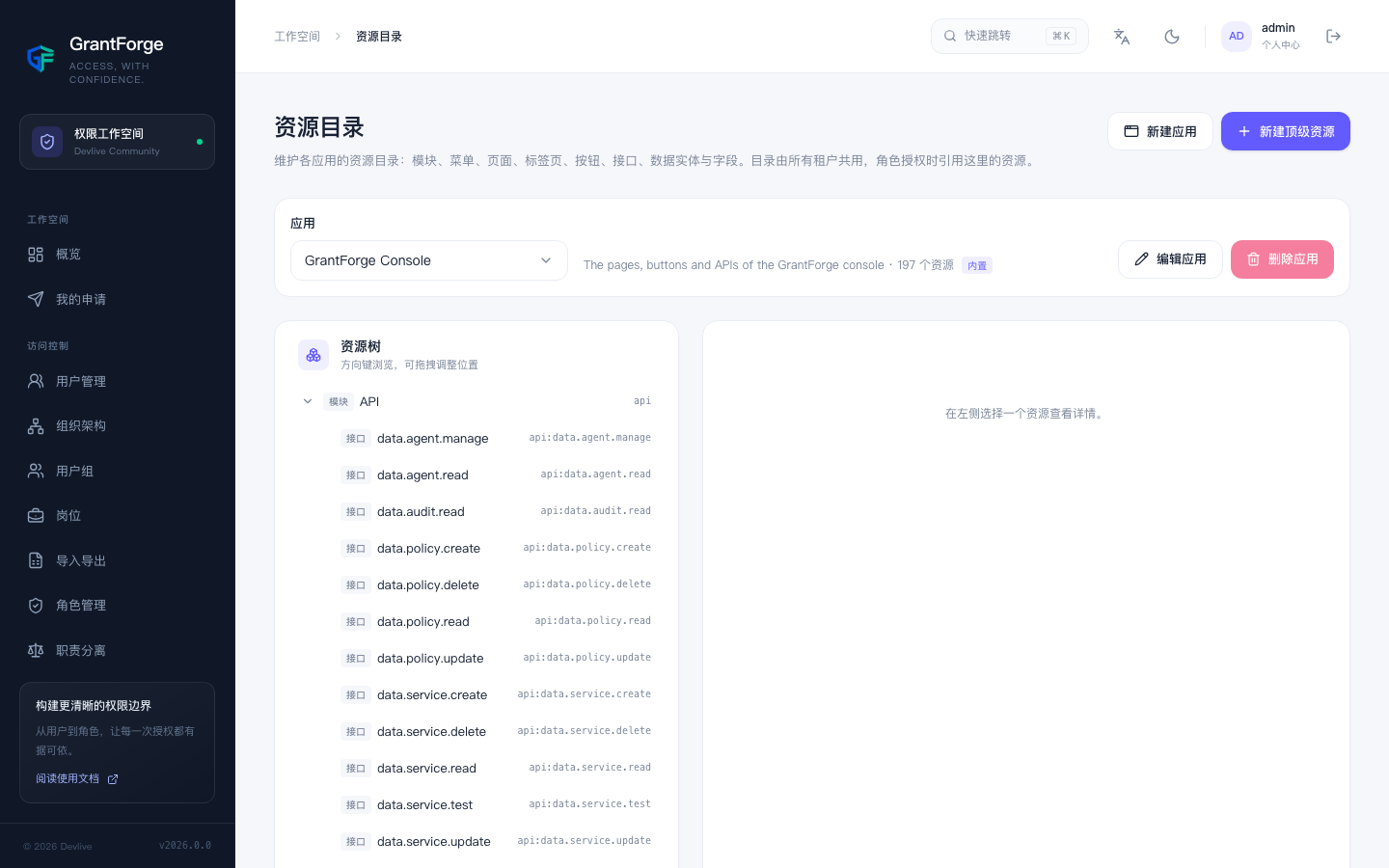
- Applications: create, edit and delete business applications; an application that has clients or resources cannot be deleted.
- Resources: modules, menus, pages, tabs, buttons, APIs, data entities and fields. The type decides where a resource may be placed: buttons only under pages or tabs, fields only under data entities. Resources can be dragged to rearrange, up to 15 levels deep.
- Status: resources can be hidden or disabled; when permission is missing, you can choose whether buttons are "hidden" or "disabled".
- Dependencies: a button "requires" the APIs it calls and a page "requires" the APIs it loads data from; grants derive these dependencies automatically, and the detail page shows the dependency relationships as a graph.
- OAuth clients: register clients for business applications, see OAuth 2.1 and OpenID Connect.
- Fields: when a field is selected, shows which APIs the field appears in (returned or received).
API catalog
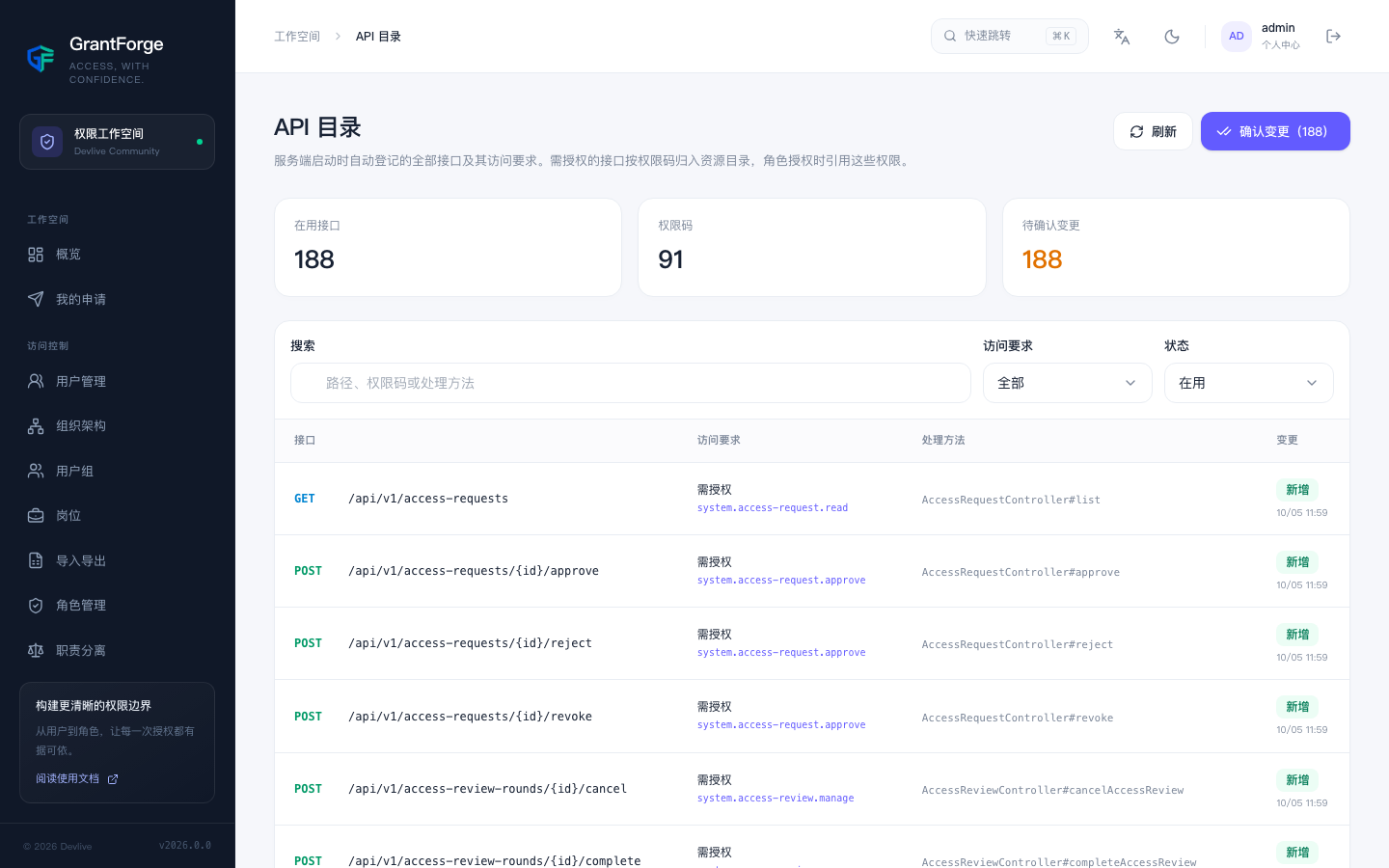
Platform management → API catalog lists every API registered automatically when the server starts, together with its access requirement: public, any signed-in user, or a specific permission code. APIs that require authorization are filed into the resource catalog by permission code, and role grants reference these permissions. When an API is added, retired, or its permission code changes, it is listed as a "pending change"; the catalog is updated once you confirm.
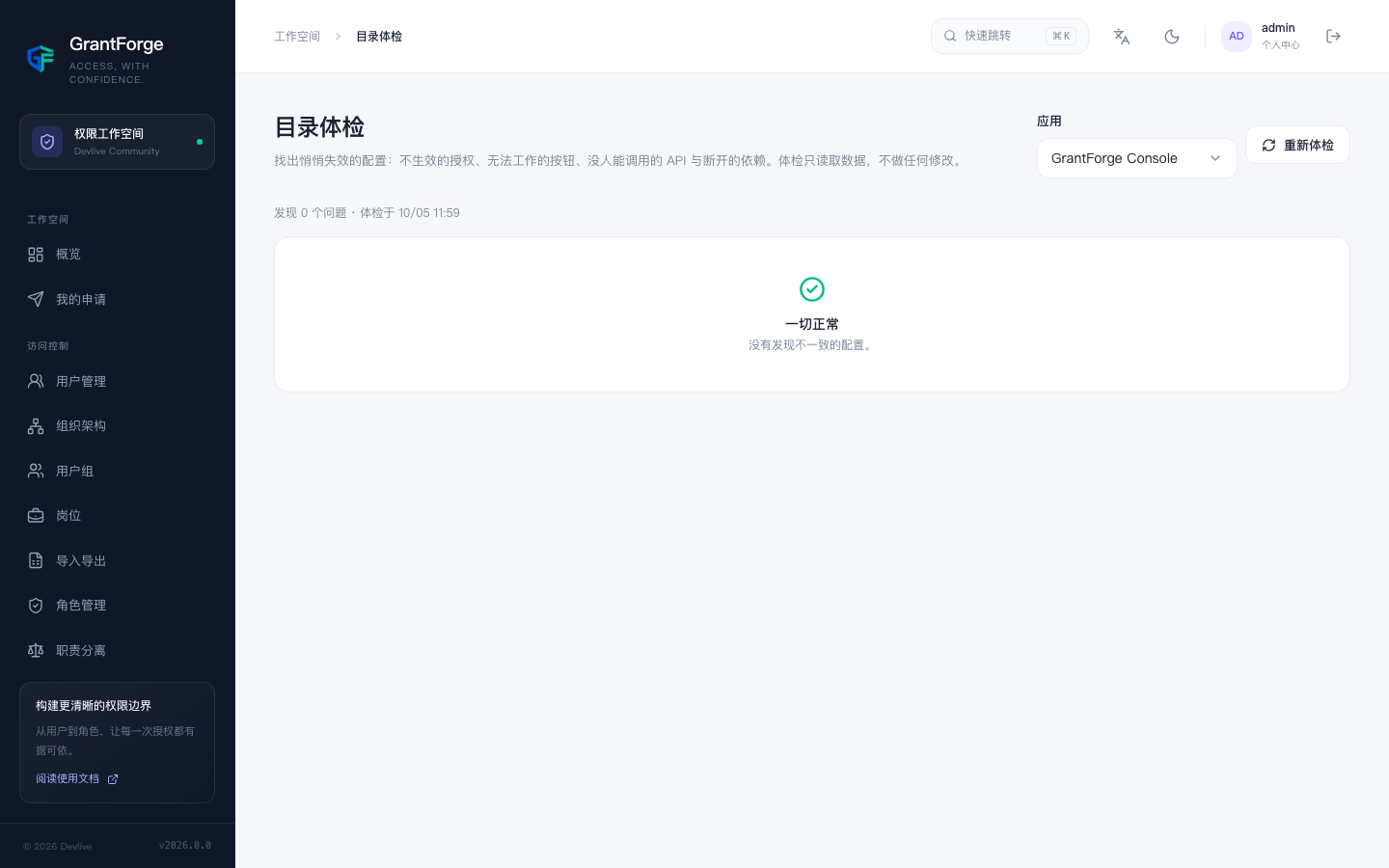
Catalog health check
Platform management → Catalog health check finds configurations that have silently broken: grants that no longer take effect, buttons that cannot work (missing required APIs), APIs nobody can call, and broken dependencies. The health check only reads data and changes nothing.