
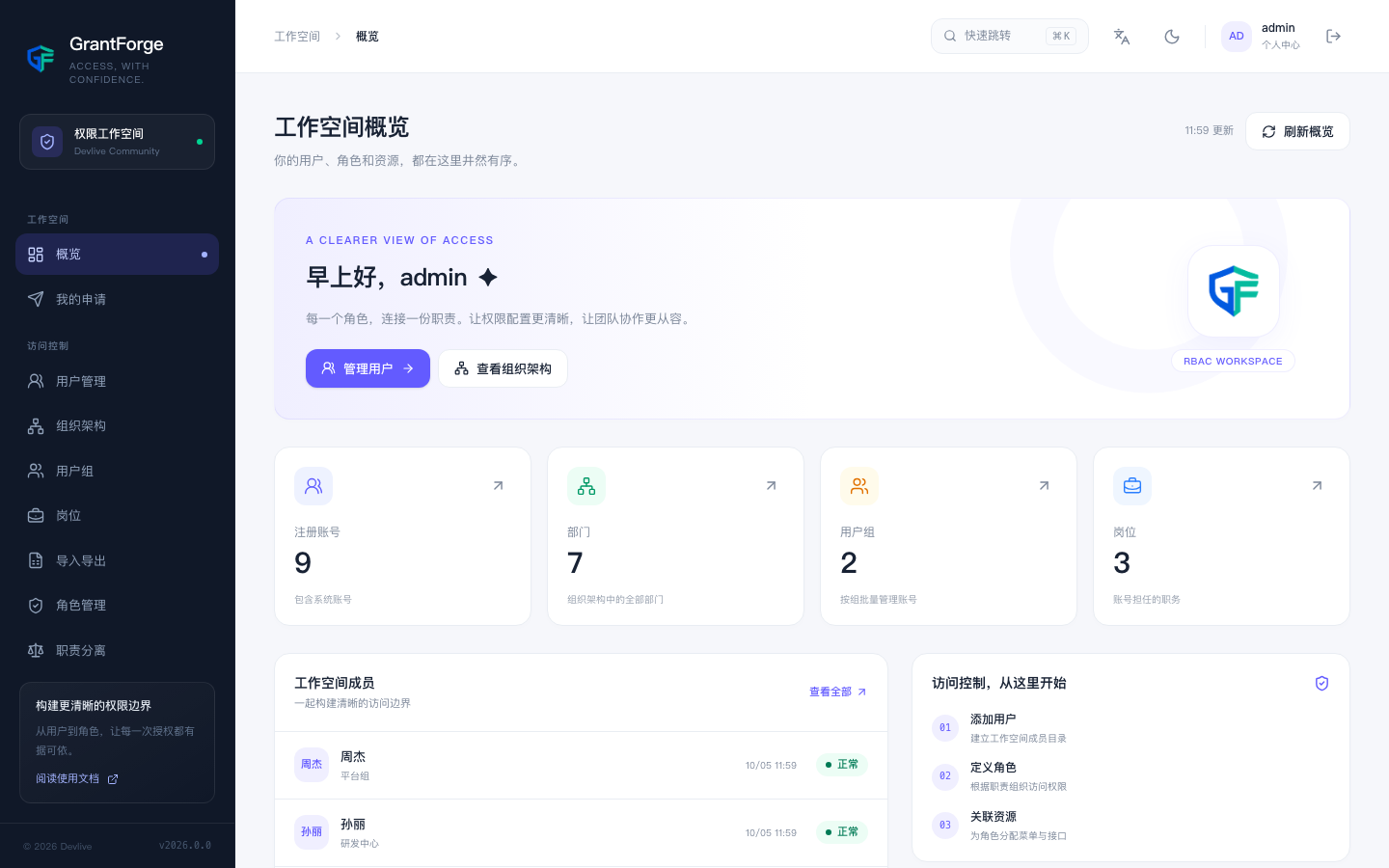
Layout
- The left menu is organized into groups: Workspace, Access control, Data permissions, and Platform management.
- The top bar offers quick navigation (⌘K or Ctrl+K, search pages by name), a Chinese/English language switcher, the light/dark theme, and the personal menu.
- The Dashboard shows the current tenant's numbers of accounts, departments, groups, and positions, plus workspace members and onboarding steps.
Menu groups
| Group | Menus | Description |
|---|---|---|
| Workspace | Dashboard, My requests | Visible to every signed-in user |
| Access control | Users, Organization, Groups, Positions, Import/export, Roles, Separation of duties, Access requests, Access reviews, Online sessions, Identity sources, Audit logs | Identity and authorization for this tenant |
| Data permissions | Data services, Policies, Agents, Access audits | Permissions for external data systems (HDFS, Hive, etc.); see Data services, policies, and agents |
| Platform management | Tenants, Resource catalog, API catalog, Authorization servers, Catalog health check, Plugins | Only available in the platform tenant |
Why my menu differs from someone else's
The console itself is an application managed by GrantForge: every page and button is a resource in the resource catalog, and which menus and buttons you can see is decided entirely by your roles.
- Holders of the Tenant administrator system role see all of the tenant's "Access control" and "Data permissions" menus.
- Holders of the Platform administrator system role also see "Platform management".
- Everyone else sees only the pages their roles have been granted; when no page in a group is visible, the whole group is hidden.
After an authorization change there is no need to sign in again: every response carries a version number of your current permissions, and when that version changes the console automatically reloads the menu.