Organization structure
Access control → Organization maintains the department hierarchy.
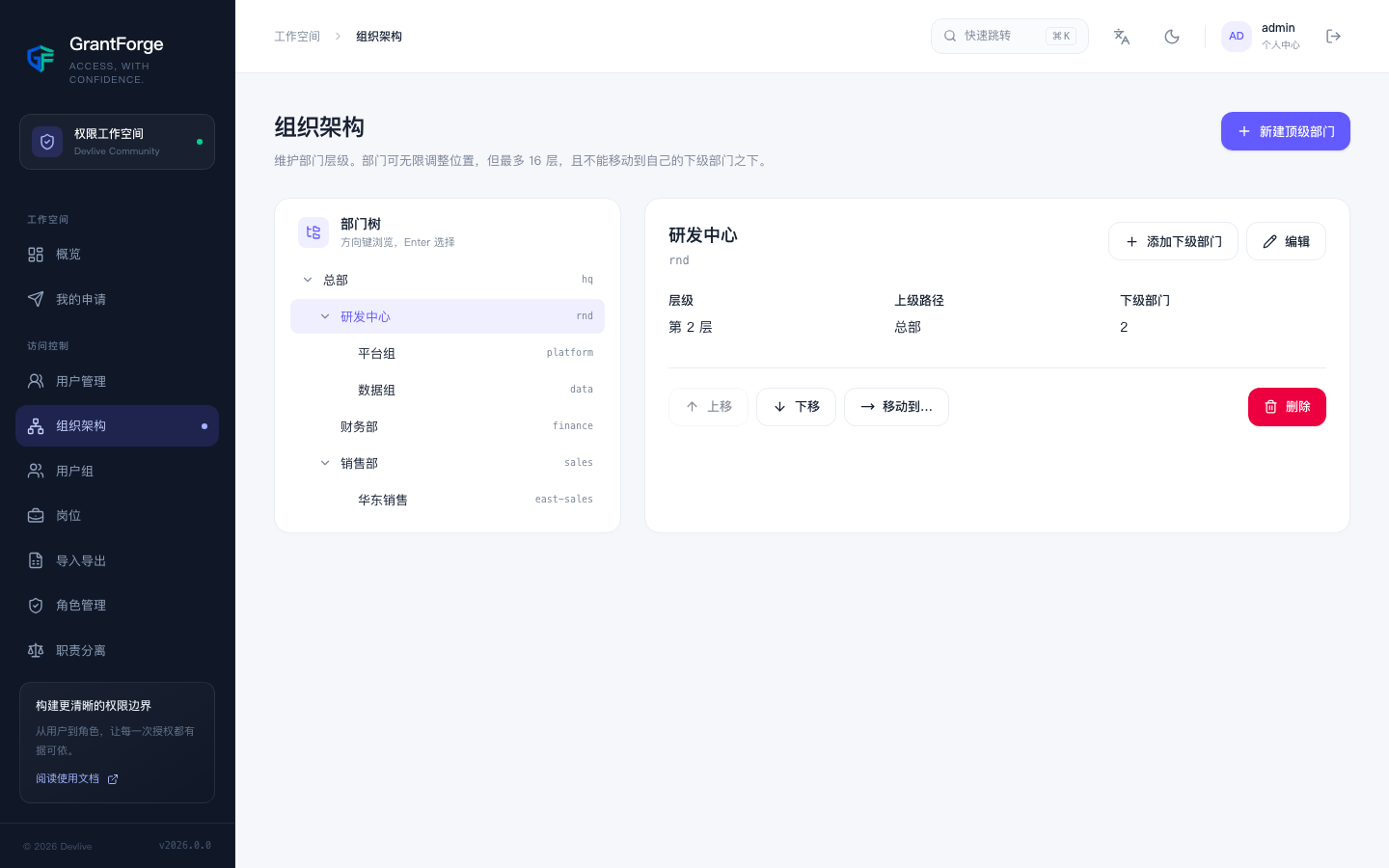
- Departments can be up to 16 levels deep. You can rearrange them by dragging or with "Move to…", but a department cannot be moved under one of its own descendants.
- Each account has one primary department and can additionally belong to multiple departments.
- Departments are a key basis for data permissions: "this department", "this department and its sub-departments", and "specified departments" are all resolved against the structure defined here.
- Only departments without sub-departments can be deleted.
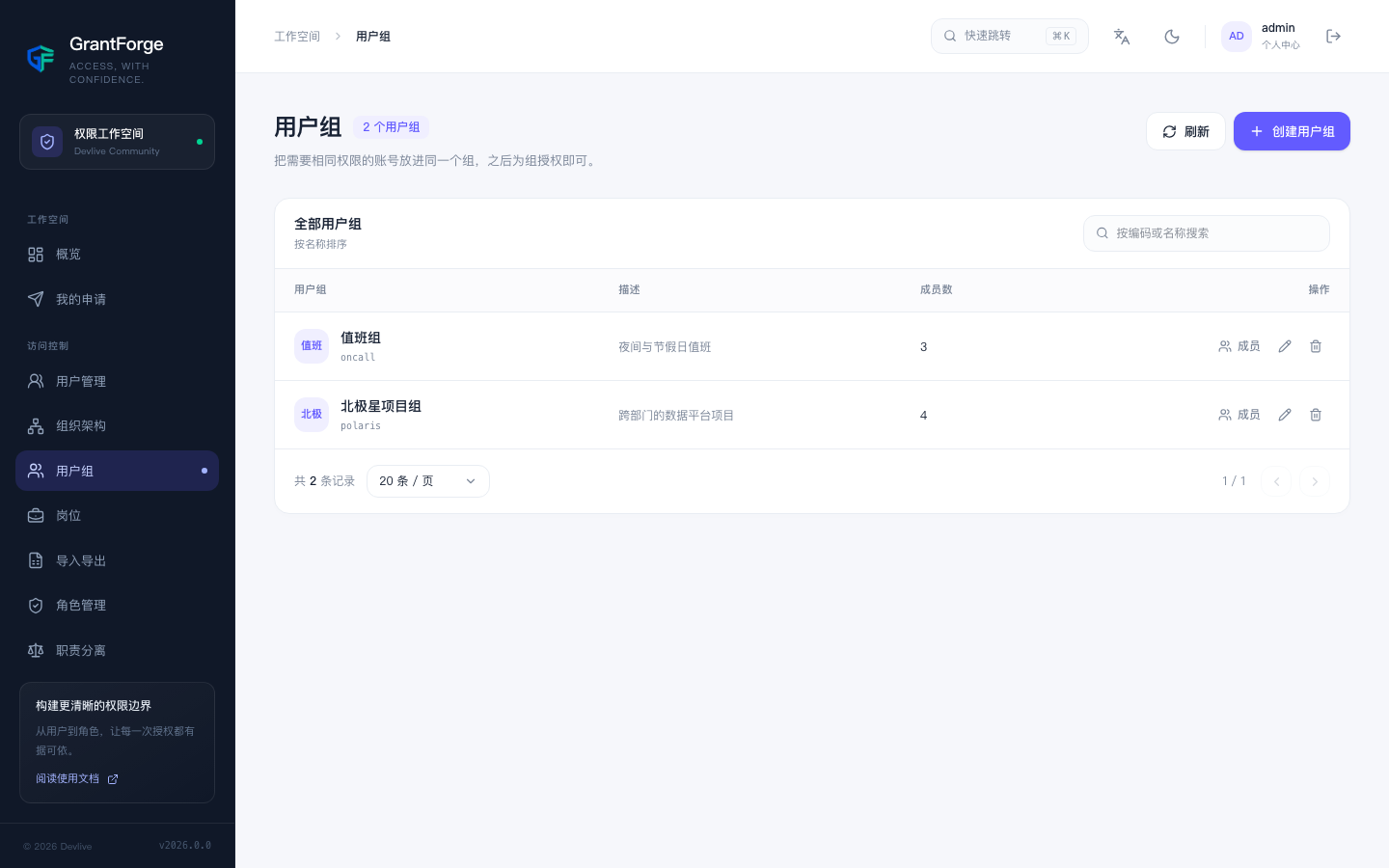
Groups
Access control → Groups: put accounts that need the same permissions into one group, then assign roles to the group. Groups are independent of the organization structure, which makes them a good fit for cross-department collections such as on-call teams or project teams. Members can be added and removed in bulk, up to 500 at a time.
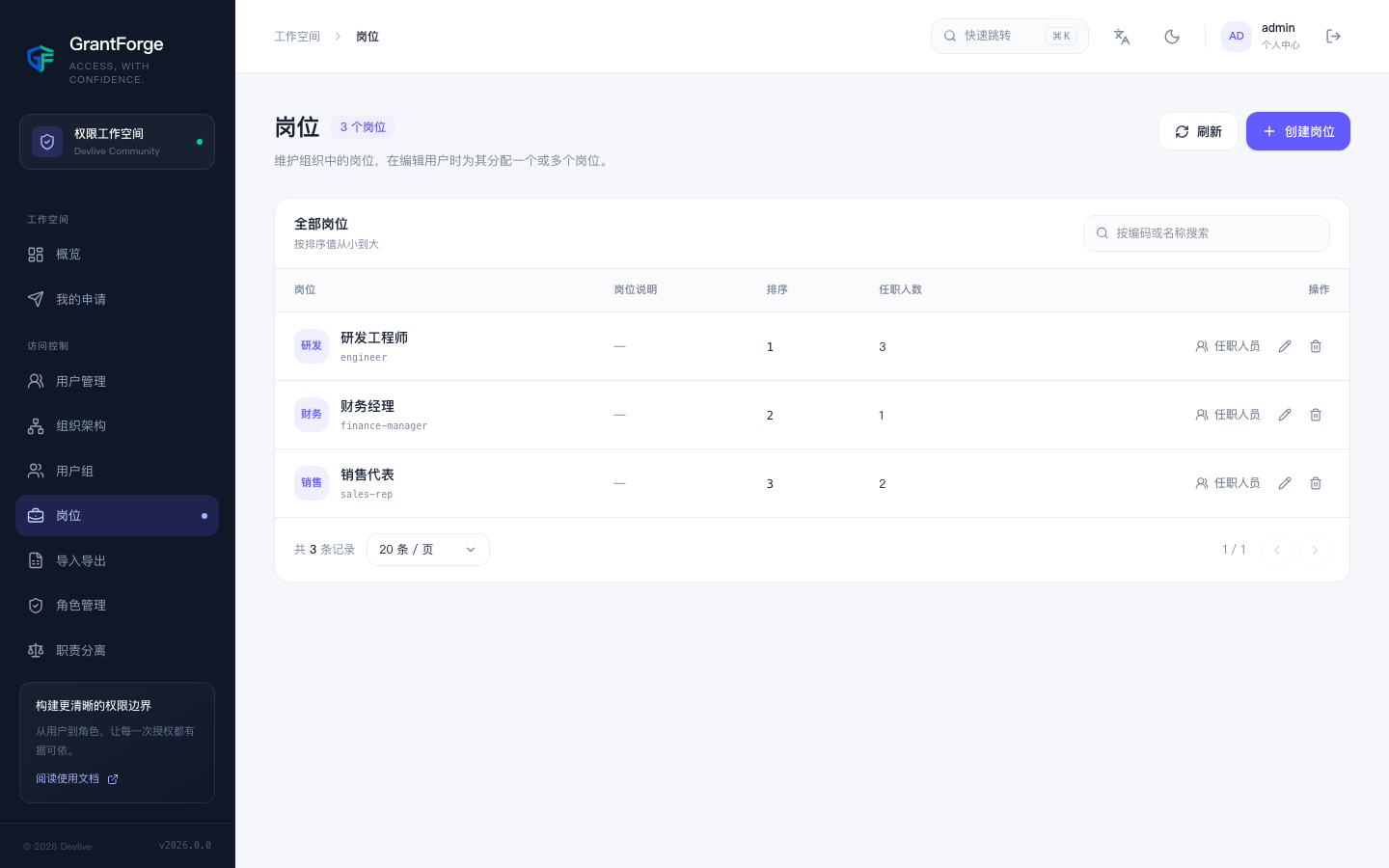
Positions
Access control → Positions: maintain the positions in your organization (for example, "Finance Manager") and assign one or more of them to a user while editing them. Positions can be assigned roles too, so when someone changes jobs you only need to update their position and their permissions follow.