
Platform management → Tenants: Each tenant is an isolated organization with its own users and permissions. The platform tenant hosts the platform administrators and cannot be disabled.
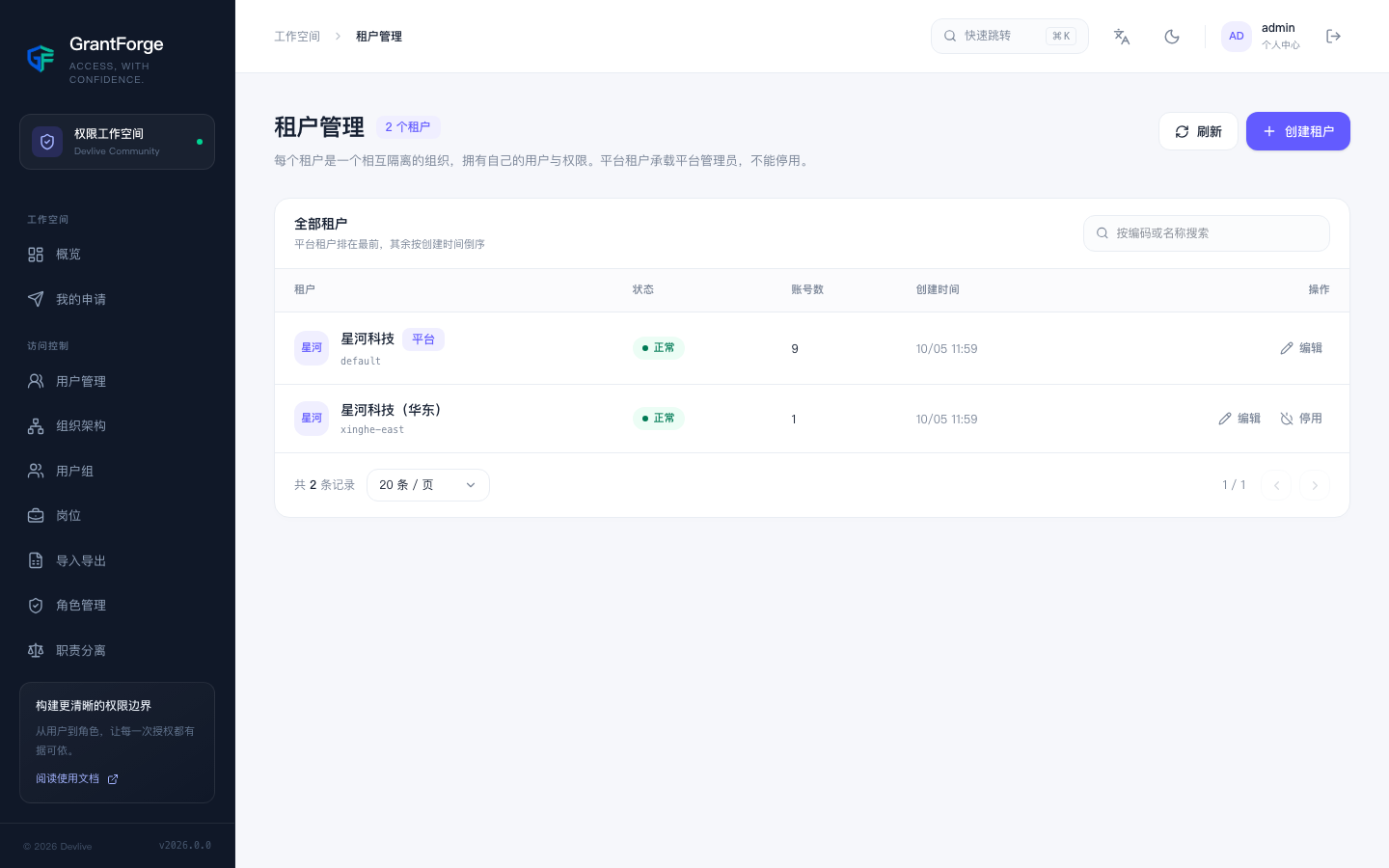
Create a tenant
Fill in the tenant code and name, plus the username, display name and password for the tenant's first administrator. The first administrator holds the tenant's "Tenant Administrator" system role and must change the password at first sign-in. Usernames are unique across the entire platform.
Disable and enable
Once a tenant is disabled, all of its accounts are signed out immediately and can no longer sign in, and application tokens that were already issued are no longer renewed. No data is deleted; re-enabling the tenant restores everything.
Platform tenant
The platform tenant is the first tenant created during initialization. Its administrators can manage all tenants, the resource catalog and API catalog, authorization servers, and plugins. Business applications and their resources are shared across the whole platform; each tenant grants access to these resources through its own roles.